
Real projects made with C1 and xTool materials—open one and make it your own.

Bring your ideas to life! Print and cut with ease. Simply scan the material’s QR code to auto-set cutting parameters for effortless results.
 % off
% off

 % off
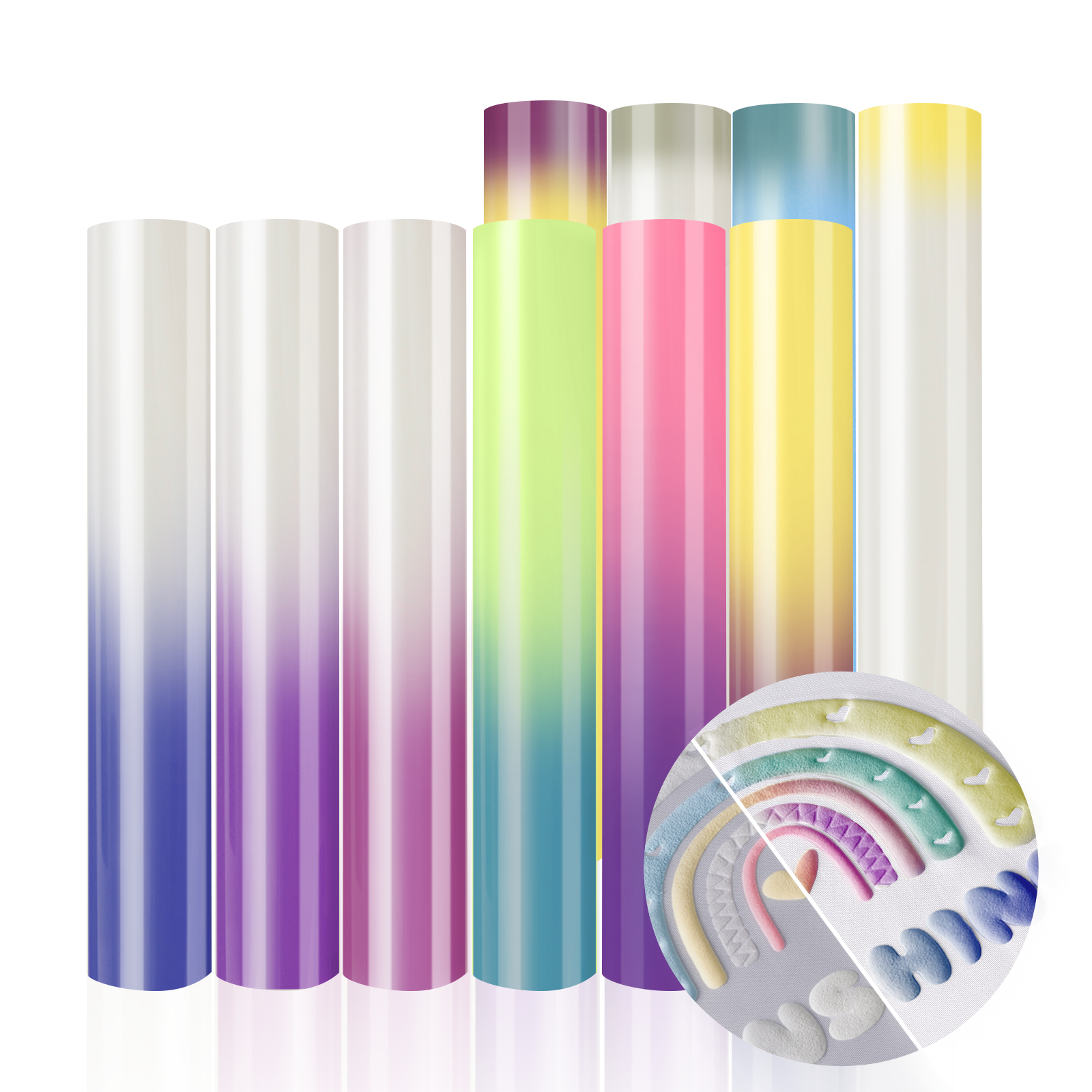
Give T-shirts, pillowcases, tote bags, and more a fresh.
Note: HTV materials are "Manual Setting" — select the material in the software and test cut before use.
% off
 % off
 % off
 % off
% off
% off
% off
From custom cards and layered paper art to personalized decorations, explore more ways to create with C1. Add a finishing touch with elegant gold foil accents using the Hot Foil Transfer Tip.
% off
% off
% off
% off
% off
% off
% off
% off
% off
% off
% off
% off
C1 Auto Setting — The material comes with an auto-recognition QR code sticker. C1 reads the code and automatically applies the recommended cut settings, so you can start creating right away. You can also spot these materials by the C1 auto-recognition icon on the product image.
Manual Setting — The material works perfectly with the C1 too, but doesn't include a QR code, so you'll need to pick the settings yourself. It's simple: just select the material in the software and adjust as needed.
xTool C1 works with a variety of materials, including sticker paper, cardstock, heat transfer paper, vinyl, magnet sheets, and more. All materials featured on this page are compatible with C1, so you can shop with confidence.
Every new xTool material made for C1 includes a QR label. Before it starts, C1 will scan the code and load the matching blade pressure, speed, and cut type for that material. You can still fine-tune any setting in xTool Studio.
Yes. Earlier xTool materials and third-party materials work with C1—just select or adjust the settings manually in xTool Studio. We recommend a small test cut first.
Yes. With the C1 ultrasonic blade, C1 can cut wood and leather up to 3 mm thick for signs, ornaments, and layered decor. Use the ultrasonic blade mat to hold the material in place.
Use the LightGrip mat for paper, cardstock, sticker paper, vinyl, HTV, and transfer paper. Use the FabricGrip mat for felt, fabric, and materials that need more cutting pressure. Avoid putting paper on the FabricGrip mat—it may tear when you peel it off.
Yes. HTV and printable heat transfer paper need heat and pressure to bond to fabric. A heat press such as xTool WonderPress gives you even, consistent results.