
What Is Sublimation Printing?
How it works, what you can sublimate, what you need to start, and how it compares with DTF, HTV and screen printing.
by Winnie Li · 9 min read
How Does Sublimation Printing Work?
"Sublimation" is when a solid turns straight into a gas without becoming liquid first. Sublimation ink does exactly that under heat, which is why the design ends up inside the material instead of on top of it.
-
Step 1 · Print
Print a mirrored design
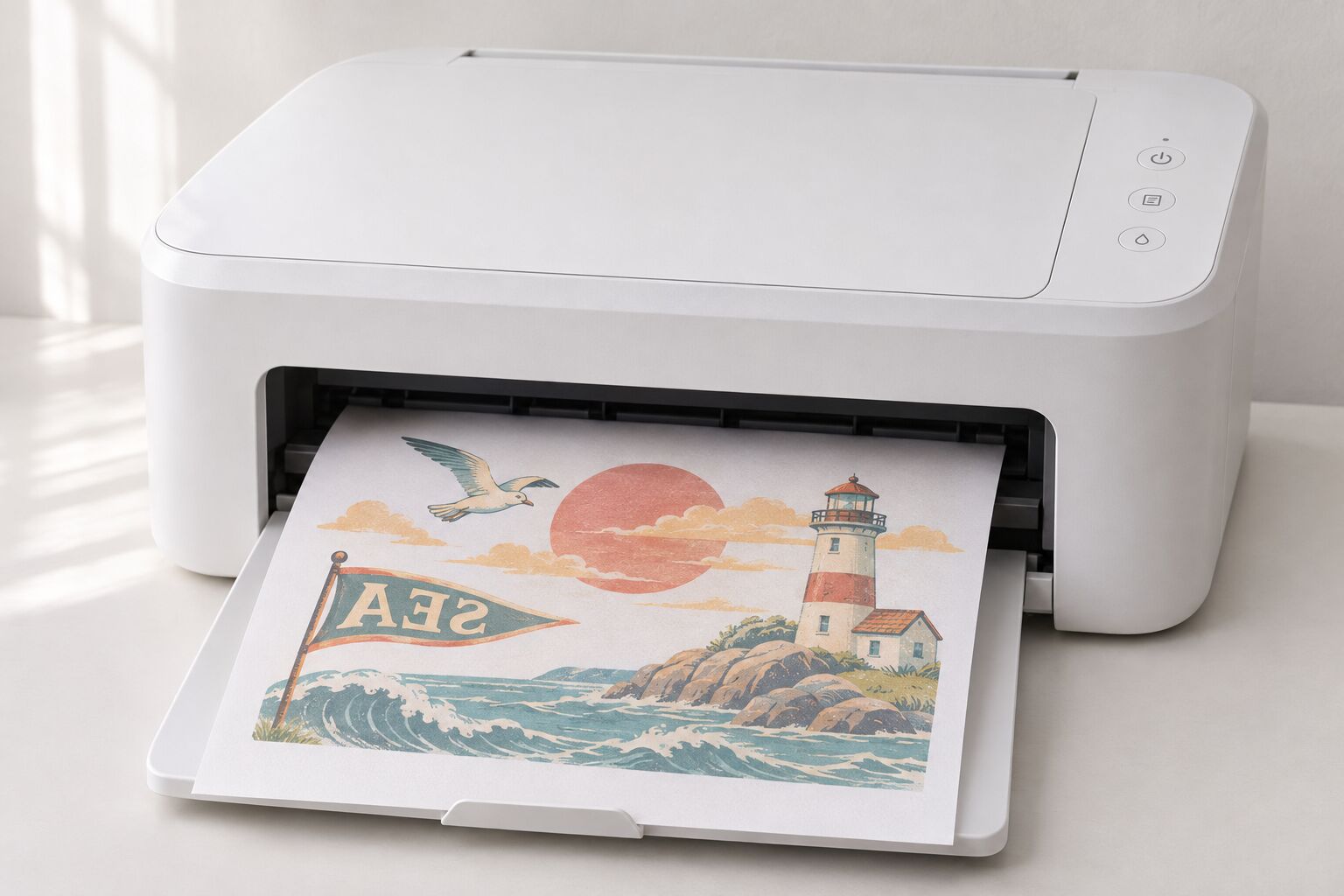
A printer loaded with sublimation ink prints your design, flipped, onto coated sublimation paper. It looks dull at this stage. That's normal.
-
Step 2 · Press
Heat turns ink into gas
In a heat press, the ink vaporizes while the polyester fibers (or the coating on a hard blank) open up and absorb the gas.
-
Step 3 · Cool
Dye locks into the material
As it cools, the fibers close around the dye. The print becomes part of the item, with nothing on top to crack or peel.
Sublimation: ink goes in
The dye sits inside the fibers. You can't feel the print, and it stays flexible and breathable.
HTV, DTF & screen print: ink sits on
These add a layer on the surface. They work on more fabrics, but the layer can feel raised and may crack with wear.
What Can You Sublimate On?
Two rules decide everything: the surface must be polyester or sublimation-coated, and it should be white or light-colored. Pick your blank below to check it.
Great for sublimation
100% white polyester gives the brightest, most durable result.
How polyester content changes the result
-
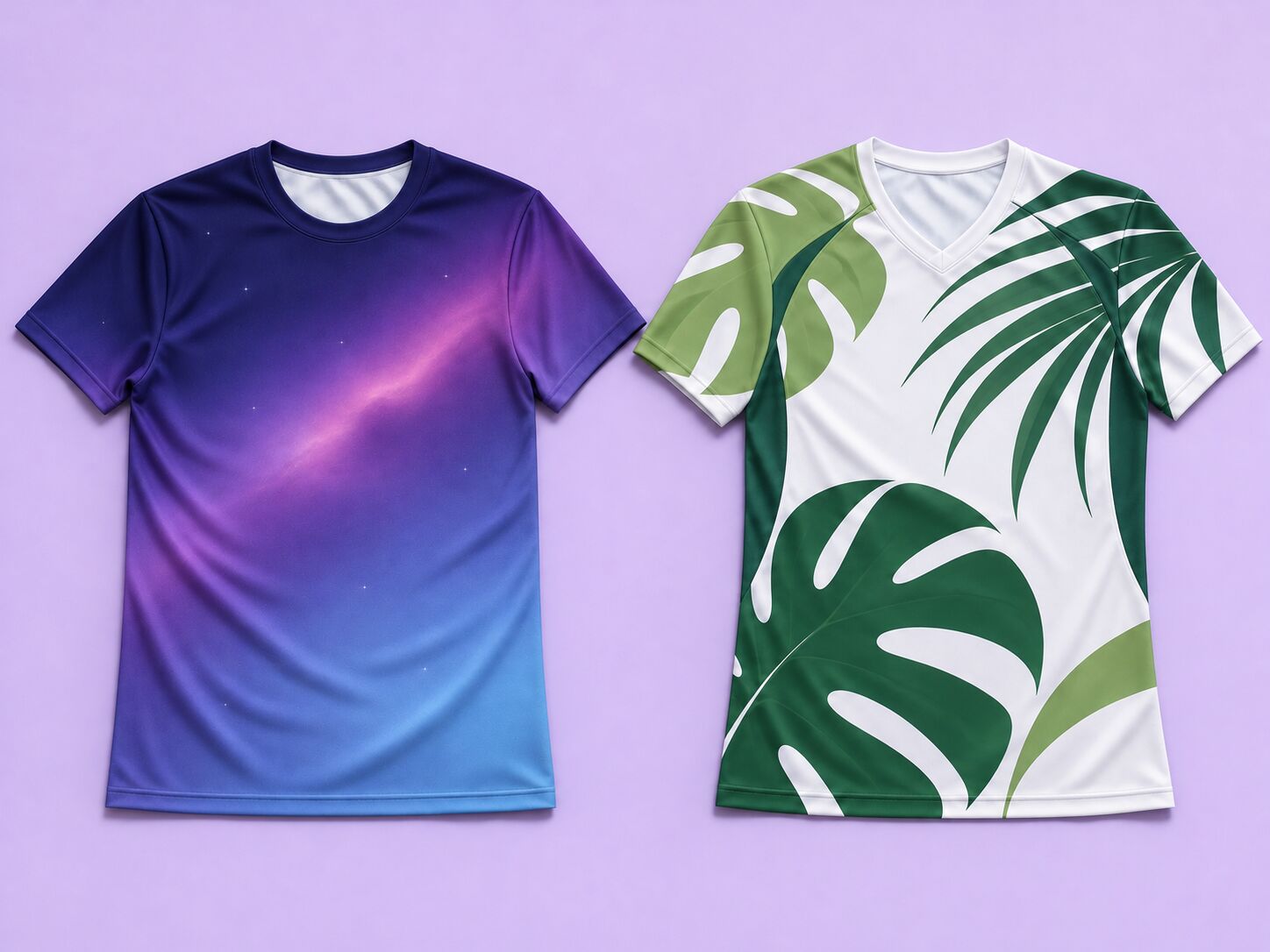
Apparel
Polyester tees, jerseys, hoodies, socks and hats. All-over and photo prints are where sublimation shines.
How to sublimate a shirt → -
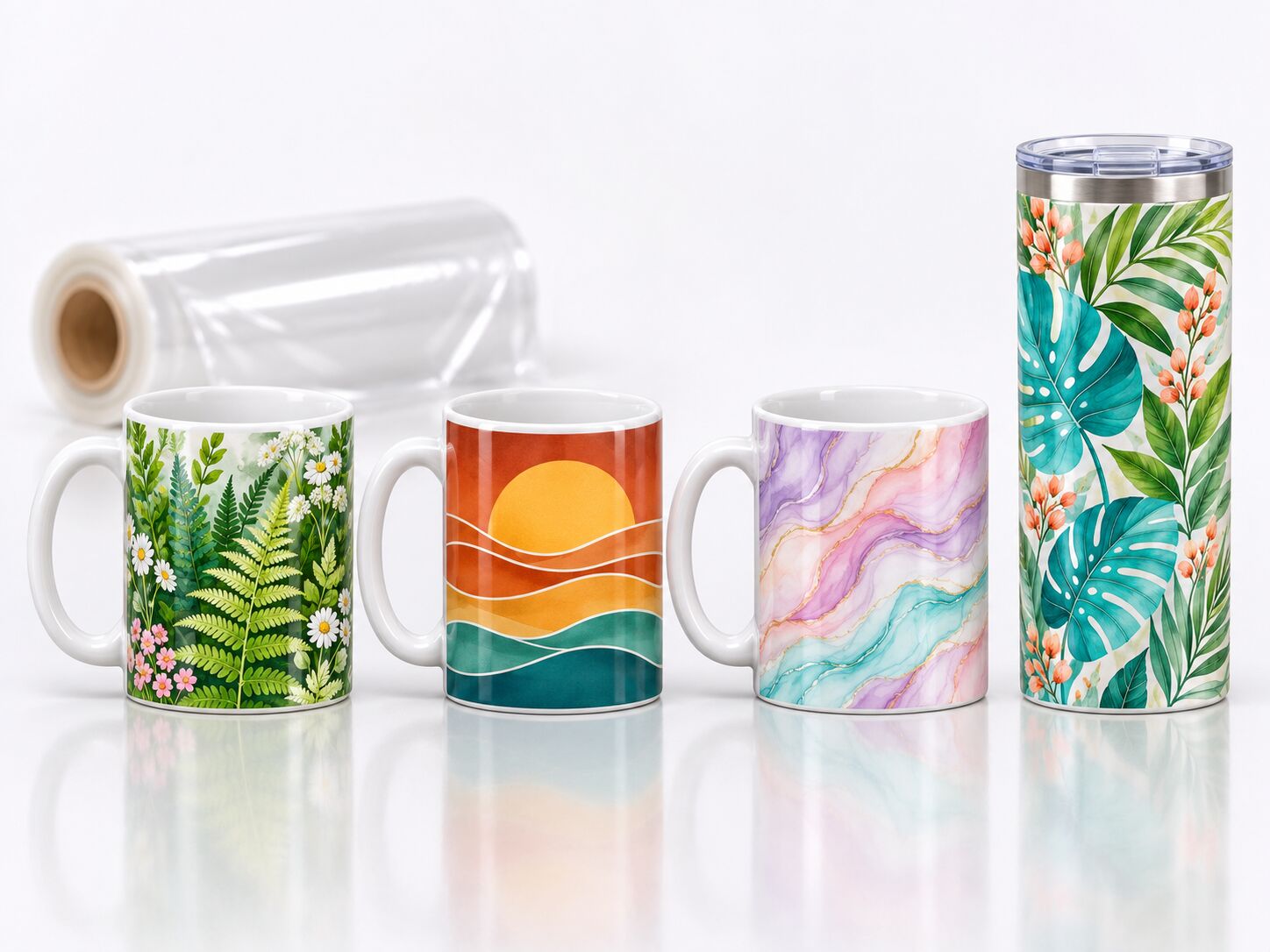
Mugs & tumblers
Coated ceramic mugs and stainless tumblers. Use a mug press, an oven or shrink film for an even wrap.
How to sublimate mugs → -
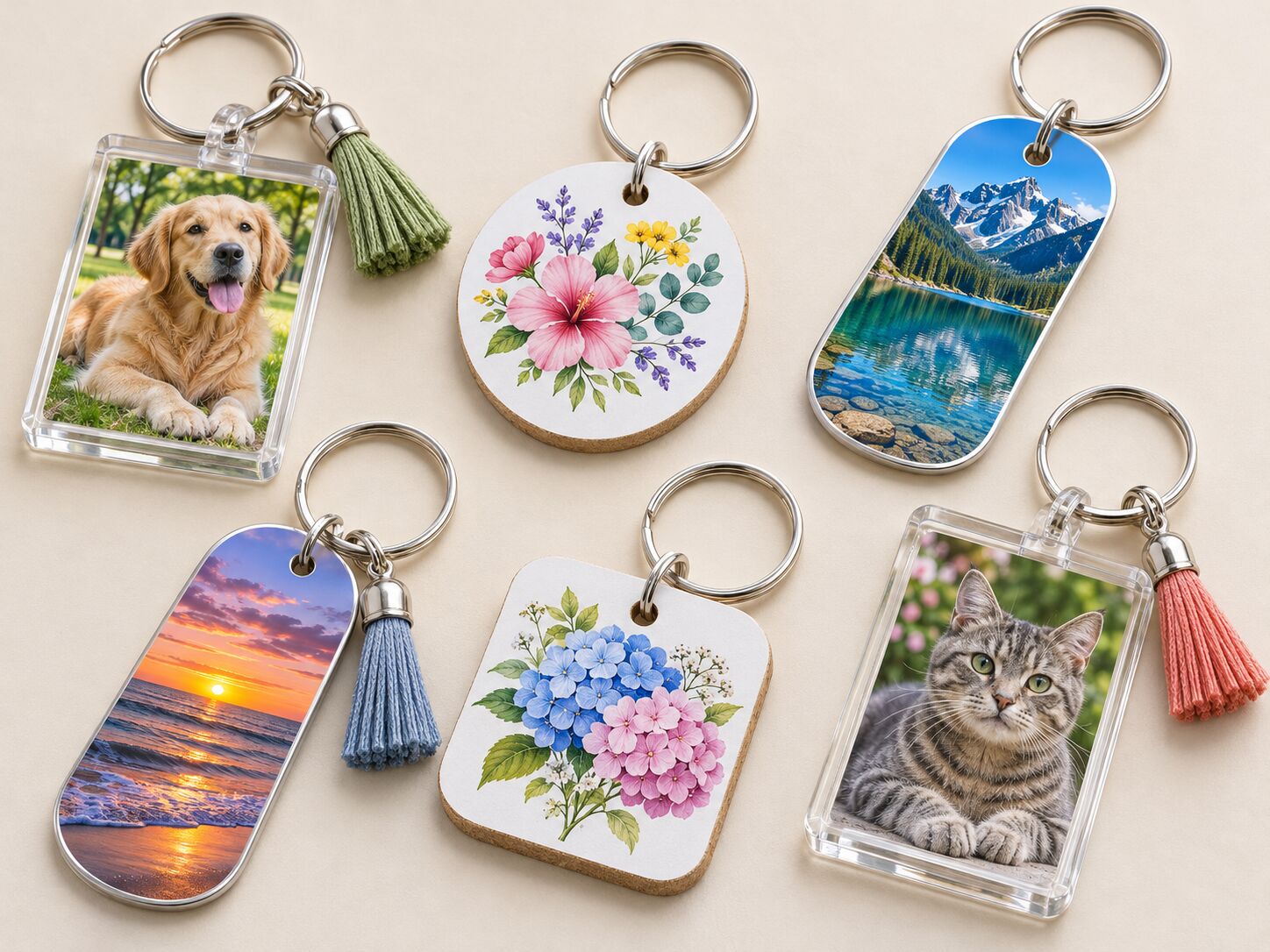
Keychains & small gifts
Acrylic, MDF and aluminum keychains, magnets and phone cases. Cheap blanks and quick presses, so they're ideal first projects.
Keychain starter kit → -
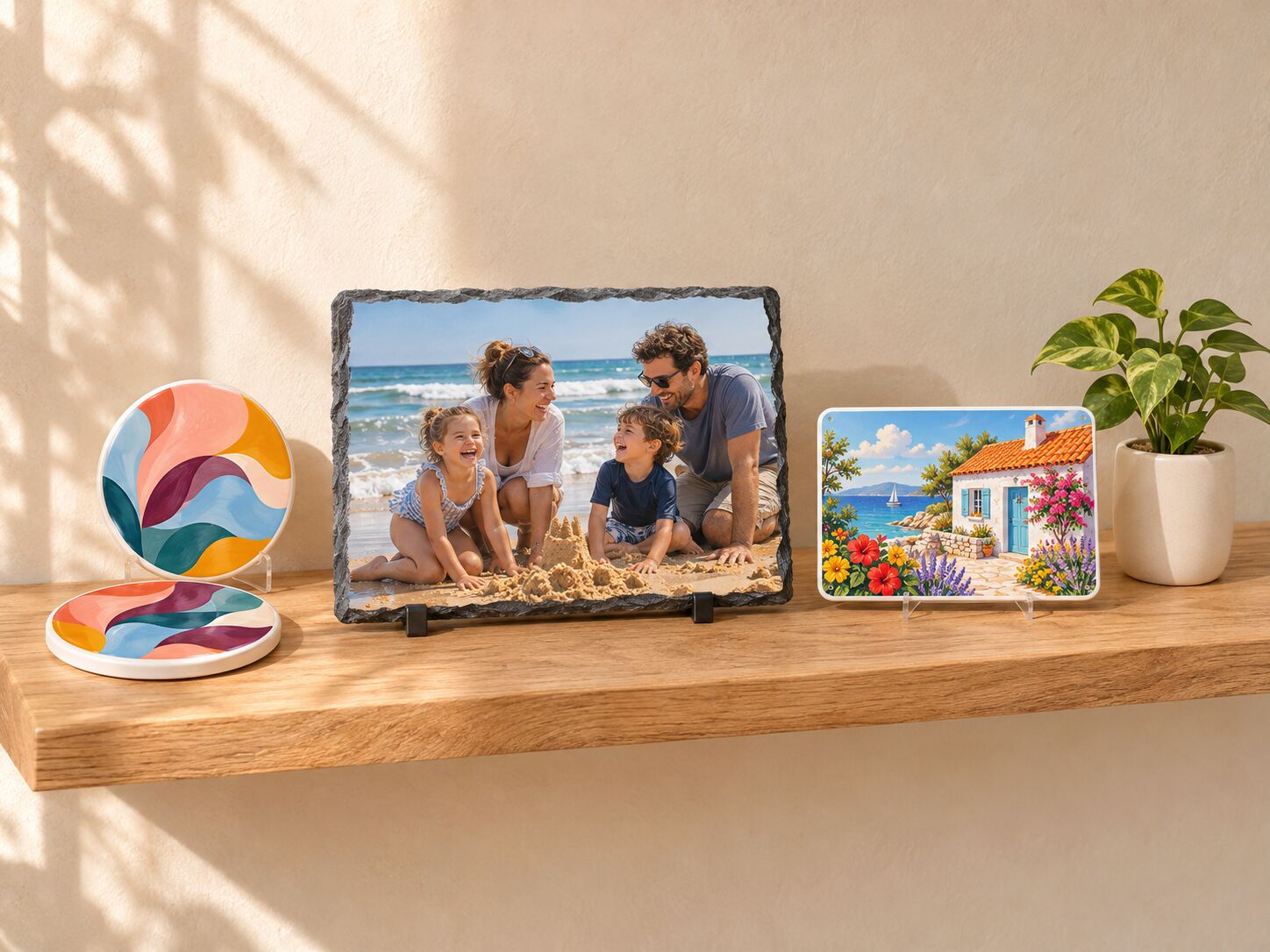
Home decor
Coasters, slate photo panels, metal signs, pillow covers and wind spinners.
Ceramic coaster blanks → -
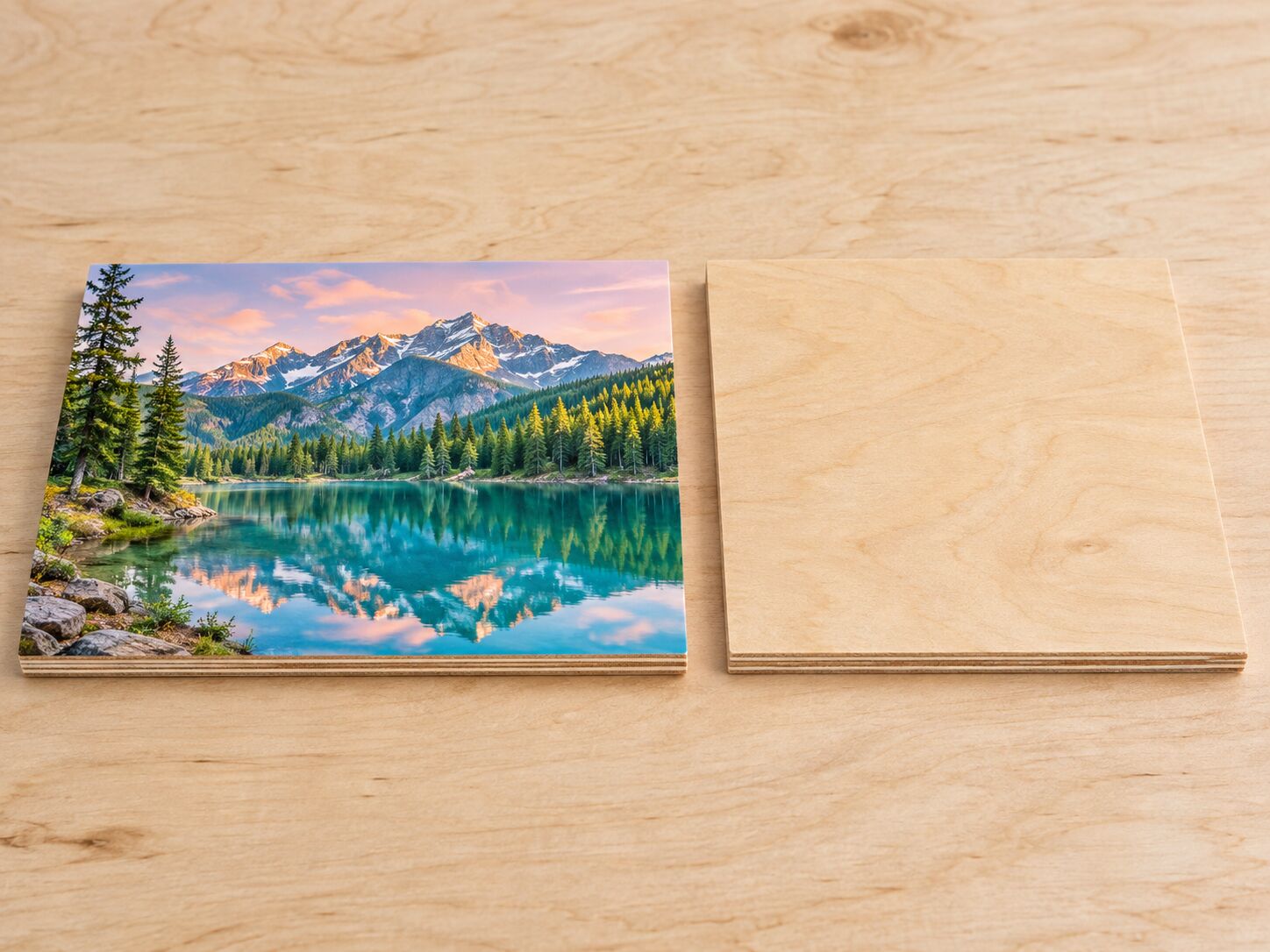
Wood (coated)
Raw wood won't hold the dye. Sublimation plywood and MDF have a white poly coating that does.
How to sublimate on wood → -
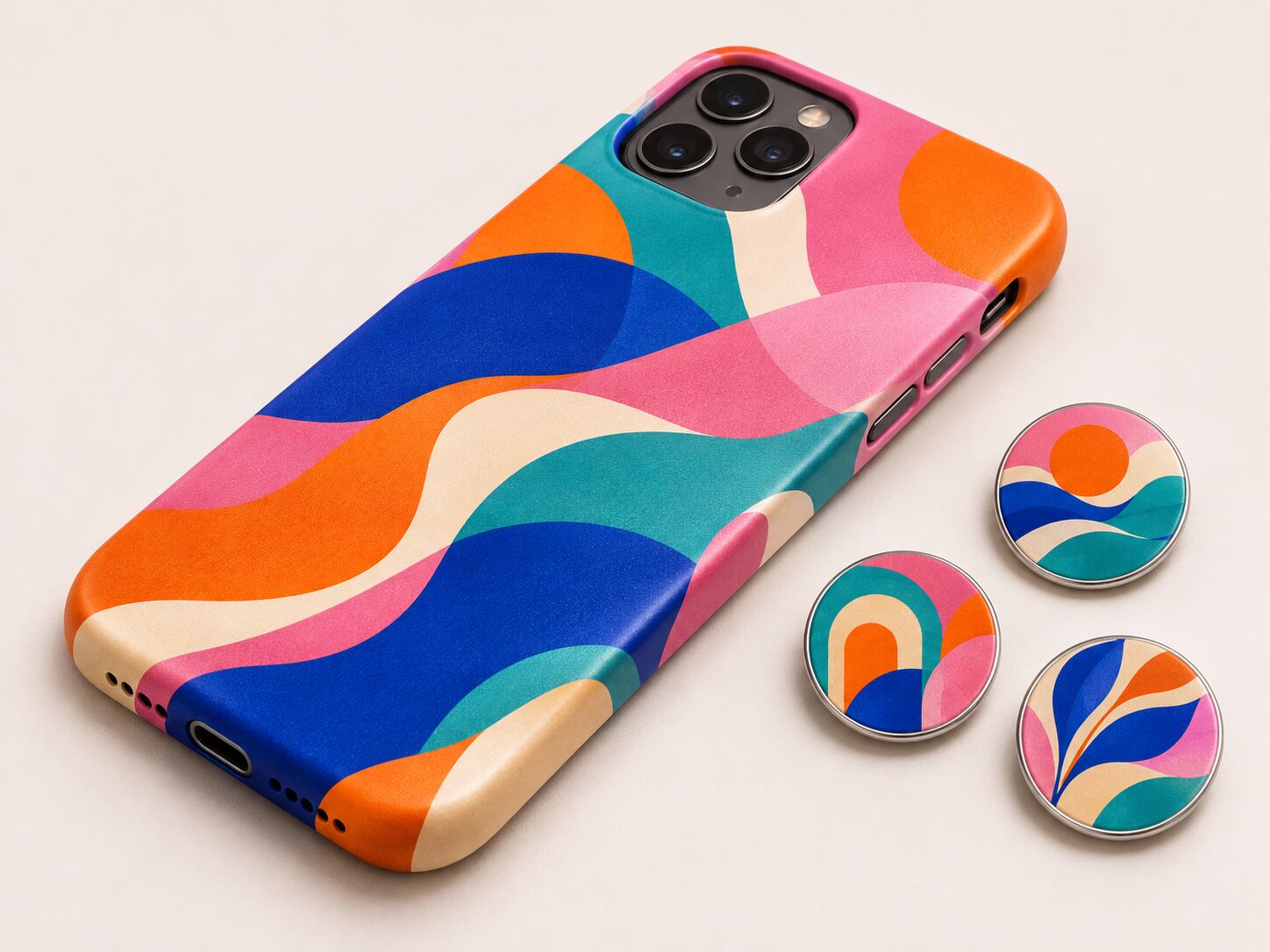
Curved & 3D items
Phone cases, badges and keycaps need the film pulled tight around curves, which usually takes a vacuum or 3D press.
See 3D sublimation →
What You Need for Sublimation Printing
Five things. Everything except the printer can also be used for other heat-transfer crafts.
- 1
Sublimation printer
Either a dedicated model (Sawgrass, Epson SureColor F-series) or a converted inkjet like an Epson EcoTank. A converted printer can't go back to regular ink, so keep it for sublimation only. Print at least once a week to prevent clogged nozzles.
- 2
Sublimation ink
A dye ink in CMYK that turns into gas when heated. Regular inkjet ink won't transfer. Stick to one brand so your color results stay consistent.
- 3
Sublimation paper
Coated paper that holds the ink and releases it under heat. Copy paper absorbs the ink and gives faded results. More on sublimation paper.
- 4
Heat source
A heat press for flat items, plus a mug press, convection oven or craft oven for drinkware. A household iron isn't recommended: it's too cool and too uneven.
- 5
Blanks & small extras
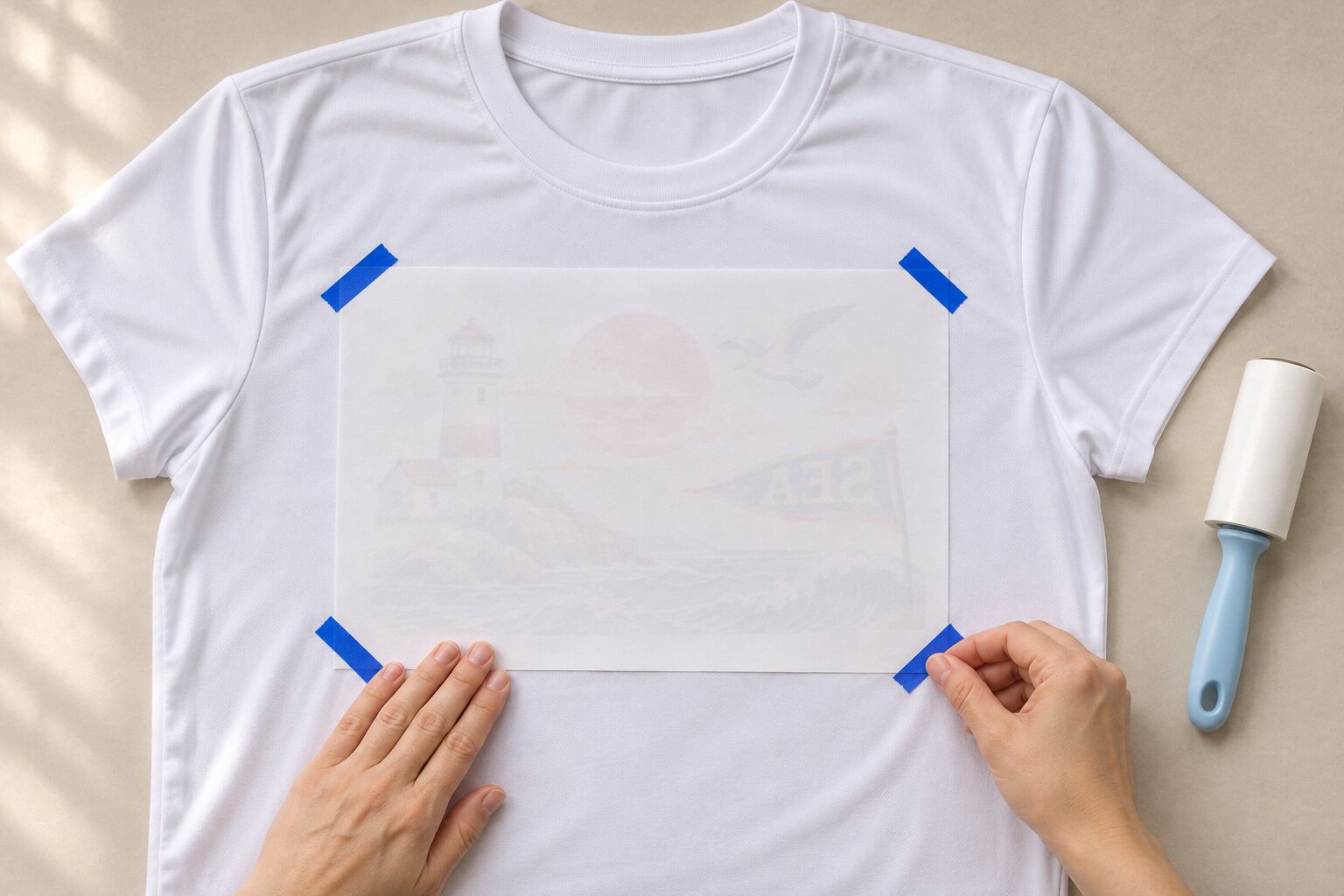
Polyester or coated sublimation blanks, heat-resistant tape, a PTFE sheet or butcher paper, and a lint roller.
How to Sublimate: 6 Steps
This is the basic workflow for a shirt or any flat blank. Mugs and tumblers follow the same idea, with a wrap instead of a flat sheet.
- 1
Prepare the design
Use 300 DPI art in RGB, sized to the blank. Canva, Photoshop or xTool Creative Space all work.
- 2
Mirror and print
Flip the image horizontally and print it on the bright (coated) side of sublimation paper at a high-quality setting.
- 3
Pre-press the blank
Lint-roll fabric, then press it for 5–10 seconds to remove moisture and wrinkles. Moisture causes blotchy prints.
- 4
Tape it in place
Place the print face down and tape every edge with heat-resistant tape. Shifting paper causes ghosting.
- 5
Press
Cover with butcher paper or PTFE and put a sheet inside shirts. Press at the settings below.
- 6
Peel and cool
Lift the paper straight up while it's hot, in one move. Let hard goods cool on a flat surface before handling.
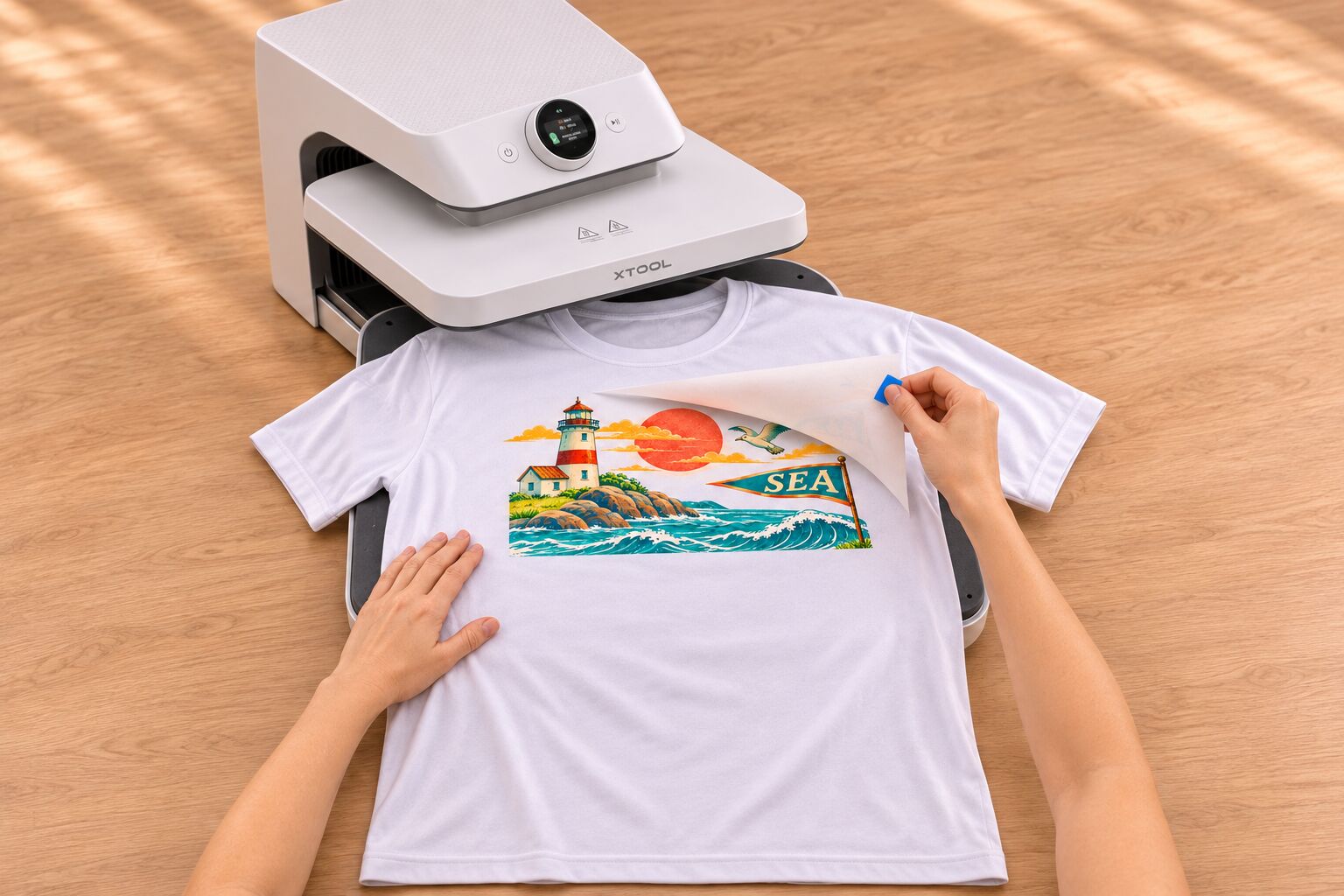
Sublimation time and temperature chart
Starting points only. Blank brands vary, so always check the supplier's instructions or use WonderPress presets, and test on a scrap first.
| Blank | Temperature | Time | Pressure | Tip |
|---|---|---|---|---|
| Polyester shirt | 385–400°F / 196–204°C | 40–60 s | Medium | Put paper inside the shirt to stop bleed-through |
| Poly blend (65%+) | 385–400°F / 196–204°C | 45–60 s | Medium | Expect a softer, slightly vintage look |
| Ceramic mug (mug press) | 400°F / 204°C | 3–4 min | Medium | Rotate halfway on some presses; cool before touching |
| Mug or tumbler (oven + shrink film) | 375–400°F / 190–204°C | 5–8 min | Shrink film | Preheat fully and wrap tight with no gaps |
| Aluminum sheet / metal sign | 400°F / 204°C | 60–75 s | Medium | Press with the metal face down on the paper |
| MDF / sublimation plywood | 400°F / 204°C | 60–90 s | Medium–firm | Remove protective film first |
| Sublimation acrylic | 350–375°F / 177–190°C | 60–90 s | Light | Too much heat makes it warp; cool under a flat weight |
| Polyester mouse pad | 400°F / 204°C | 45–60 s | Light–medium | Press fabric side up |
Pros and Cons of Sublimation Printing
Pros
- Unlimited color. Photos, gradients and fine detail, with no per-color screens.
- Nothing to crack or peel. The dye is part of the material and survives many washes.
- Zero hand feel. Fabric stays soft and breathable, which is ideal for sportswear.
- Edge-to-edge prints on fabric and hard goods.
- No weeding and no minimum order. Making one item is as easy as making ten.
- Low cost per item once you own the printer and press.
Cons
- Polyester or coated blanks only. Cotton, raw wood and plain glass don't work.
- No white ink. Dark blanks hide the print, and white areas in your design show the blank color.
- Dedicated printer. A converted printer can't print regular documents again.
- Can fade in strong sun over time, especially on outdoor items.
- Creases or folds in pre-sewn garments can leave white streaks.
How Much Does Sublimation Cost?
Expect about $350–$1,100 to start. After that, ink and paper usually cost well under $1 per item, so the blank is your main ongoing cost.
| Item | Typical price | Notes |
|---|---|---|
| Converted inkjet | $200–$350 | Cheapest entry; no warranty for sublimation use |
| Dedicated sublimation printer | $400–$600 | Ships with sublimation ink and color profiles |
| Ink refill set | $25–$60 | Lasts hundreds of letter-size prints |
| Sublimation paper | $0.10–$0.25 / sheet | Letter, A4 or larger sheets |
| Heat press | $99–$400 | Handheld to auto-pressure flat press |
| Blanks | $0.30–$8 each | Keychains at the low end, shirts and tumblers higher |
| Tape, PTFE, butcher paper | $15–$25 | One-time, lasts a long time |
Per-item cost estimator
Material cost only. Equipment and your time aren't included.
Ink, paper and supplies are estimated at about $0.65 per shirt.
Sublimation vs DTF, HTV, Screen Printing and DTG
Sublimation is the best option for full-color prints on light polyester and hard goods. For cotton or dark garments, another method is usually easier.
| Method | Best on | Dark items? | Feel | Durability | Startup cost | Choose it for |
|---|---|---|---|---|---|---|
| Sublimation | Light polyester, coated hard goods | No (workaround needed) | None, ink is in the fiber | Excellent, won't crack | Low–mid | Photos, all-over prints, mugs, gifts |
| DTF | Cotton, poly, blends, any color | Yes (white ink) | Thin, flexible layer | Very good | Mid–high | Mixed fabrics and dark shirts |
| HTV | Most fabrics | Yes | Raised vinyl | Good, can crack over time | Low | Names, numbers, simple logos |
| Screen printing | Most fabrics | Yes | Ink layer | Excellent | High setup per design | Bulk orders with few colors |
| DTG | Cotton | Yes (pretreat) | Soft | Good, fades sooner | High | Detailed prints on cotton |
| Infusible Ink | Polyester, coated blanks | No | None | Excellent | Low (no printer) | Cut-machine users without a printer |
Doing a lot of cotton or dark garments? A DTF setup like the xTool Apparel Printer Plus covers them, and the same WonderPress presses both DTF and sublimation transfers. Read more in What is DTF printing.
Can You Sublimate on Dark Shirts or Cotton?
Not directly. The ink is transparent and only bonds with polyester. These workarounds add a white polyester layer for the ink to bond with.
- Easiest
White sublimation film
A printable white film you press onto dark or cotton fabric first, then sublimate on top. Good for logos and patches.
White sublimation film → - Cut shapes
Sublimation vinyl
Cut and weed a white sublimation vinyl base, press it on, then sublimate the design over it.
Vinyl for dark fabric → - Lots of dark shirts?
Switch to DTF
If most of your orders are dark or cotton, DTF prints with white ink and skips the extra layer.
DTF vs sublimation →
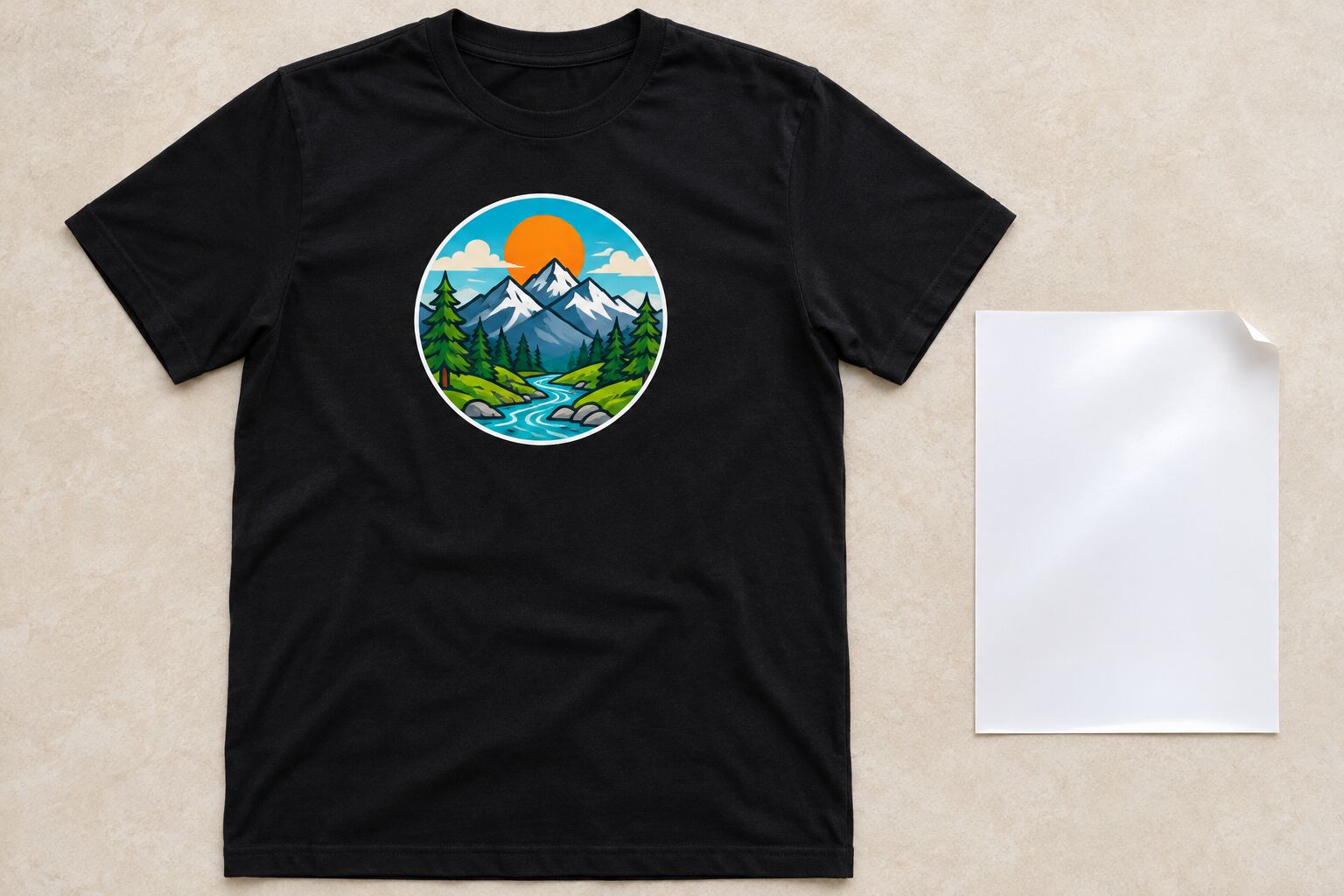
Expect a slight hand feel
The film or vinyl layer is what makes it work, so these prints feel a bit like HTV rather than pure sublimation. That's fine for chest logos. For all-over designs on dark fabric, choose DTF.
Sublimation Troubleshooting
Most bad prints come down to heat, moisture or movement. Find your problem below.
Colors look faded or dull
Most common
Ghosting (a blurry double image)
Blurry edges (blowout)
Brown or yellow scorch marks
Press box marks on the shirt
White streaks or creases
Uneven or patchy mug
Lines across the print (banding)
How to make sublimated items last
- Wash inside outUse cold water and a mild detergent without bleach.
- Dry lowAir dry or tumble dry on low. Don't iron directly on the print.
- Hand-wash drinkwareSome coatings are dishwasher-safe, but hand washing keeps colors bright longer.
- Limit strong sunOutdoor items fade slowly under UV. Use UV-resistant blanks for signs.
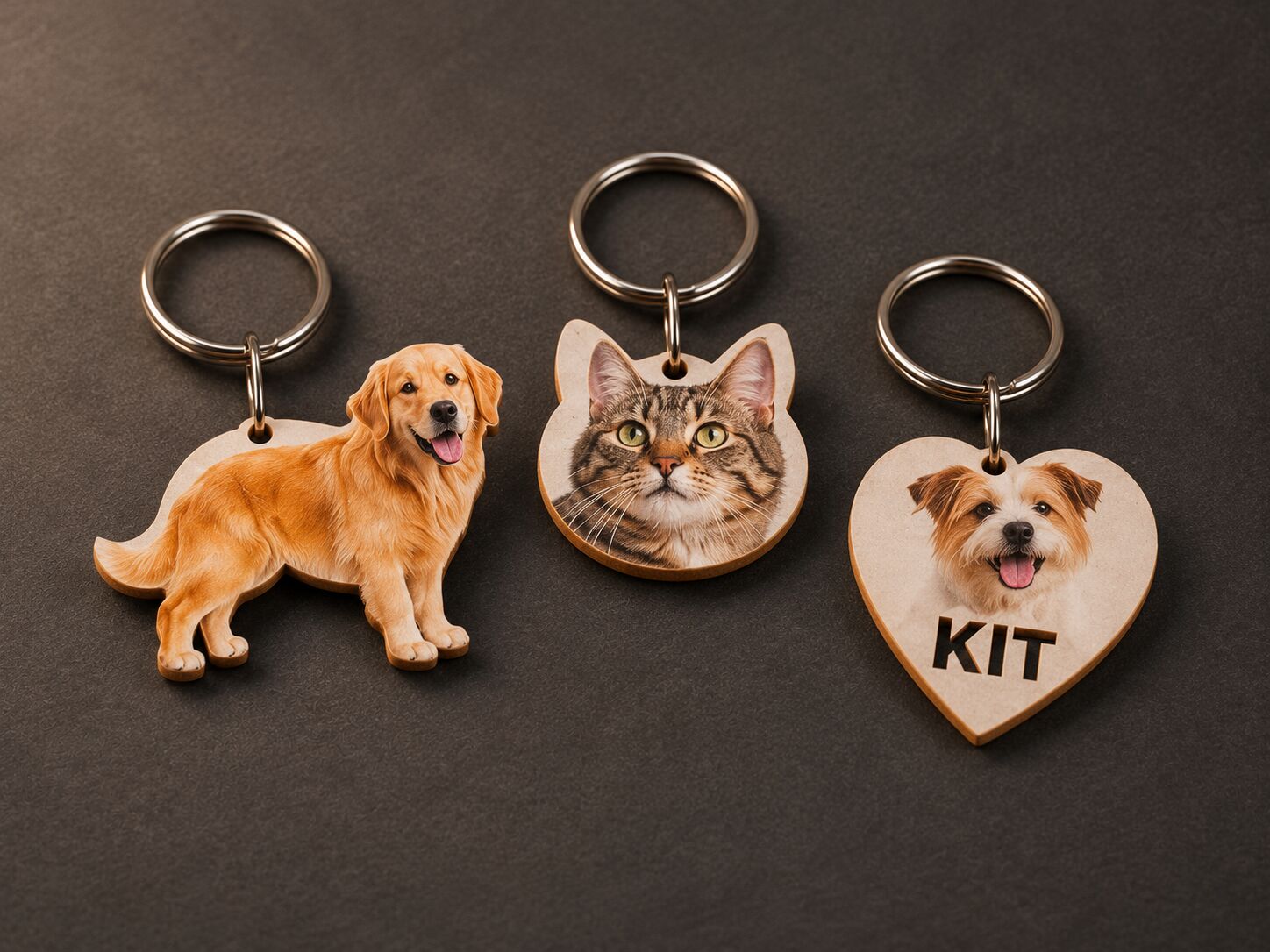
Want custom shapes? Cut your own blanks.
Store-bought blanks come in a handful of shapes. With a laser cutter you can cut sublimation MDF, plywood or acrylic into any outline (pet-shaped keychains, name ornaments, logo coasters), then sublimate the full-color design on top.
Sublimation Printing FAQ
Can any printer do sublimation?
No. You need sublimation ink and a printer that can use it: either a dedicated sublimation printer or a compatible inkjet (usually an Epson EcoTank) converted with sublimation ink. Laser printers can't sublimate. A converted printer shouldn't be switched back to regular ink.
What's the difference between a regular printer and a sublimation printer?
The hardware can be similar. The difference is the ink. Regular ink dries on paper; sublimation ink is a dye that turns into gas when heated, so it can transfer into polyester. Dedicated sublimation printers also come with color profiles tuned for that ink.
Is sublimation printing good quality?
Yes. On white polyester or quality coated blanks, it produces photo-level detail and smooth gradients with no texture. Results drop on blends under 65% polyester and on colored blanks.
How long does sublimation last? Does it wash out?
On polyester, a properly pressed print lasts as long as the garment and won't crack or peel. On cotton it washes out quickly, because there's no polyester for the dye to bond with. Long-term sun exposure can slowly fade colors.
What are the disadvantages of sublimation printing?
It only works on polyester or coated surfaces, needs white or light blanks because there is no white ink, and requires a printer used only for sublimation.
Can you sublimate on 100% cotton?
Not directly. Press a white sublimation film or sublimation vinyl onto the cotton first, then sublimate on top. For many cotton orders, DTF is simpler.
Can I use an iron instead of a heat press?
It's not recommended. Most irons don't reach a steady 400°F across the whole design, which leads to faded, patchy prints. A small heat press like the xTool Heat Press Tool is a low-cost upgrade.
Sublimation or DTF: which is better for beginners?
Sublimation is cheaper and simpler to start if you'll mostly make mugs, tumblers, keychains and light polyester shirts. DTF costs more upfront but handles cotton and dark garments. Compare them in DTF vs sublimation printing.
Is sublimation good for a small business?
Yes. Material cost per item is low, there's no minimum order, and personalized gifts like mugs, tumblers and photo panels sell well. Use the cost estimator above to check your margins before you buy blanks in bulk.